Introducing
Detail Shelf
Introducing
Detail Shelf
Introducing Detail Shelf
Your new go-to resource for discovering, previewing, and downloading high-quality construction details.
Your new go-to resource for discovering, previewing, and downloading high-quality construction details.
Your new go-to resource for discovering, previewing, and downloading high-quality construction details.

All from trusted building product manufacturers
From trusted building product manufacturers
All from trusted building product manufacturers
Built on a Smarter
Data Model
Built on a Smarter
Data Model
Built on a Smarter
Data Model
BIMsmith Detail Shelf focuses on the detail itself, allowing assemblies to stand on their own, connect to multiple products, and vice versa.
It’s a many-to-many relationship that mirrors how real specs get done.
BIMsmith Detail Shelf focuses on the detail itself, allowing assemblies to stand on their own, connect to multiple products, and vice versa.
It’s a many-to-many relationship that mirrors how real specs get done.
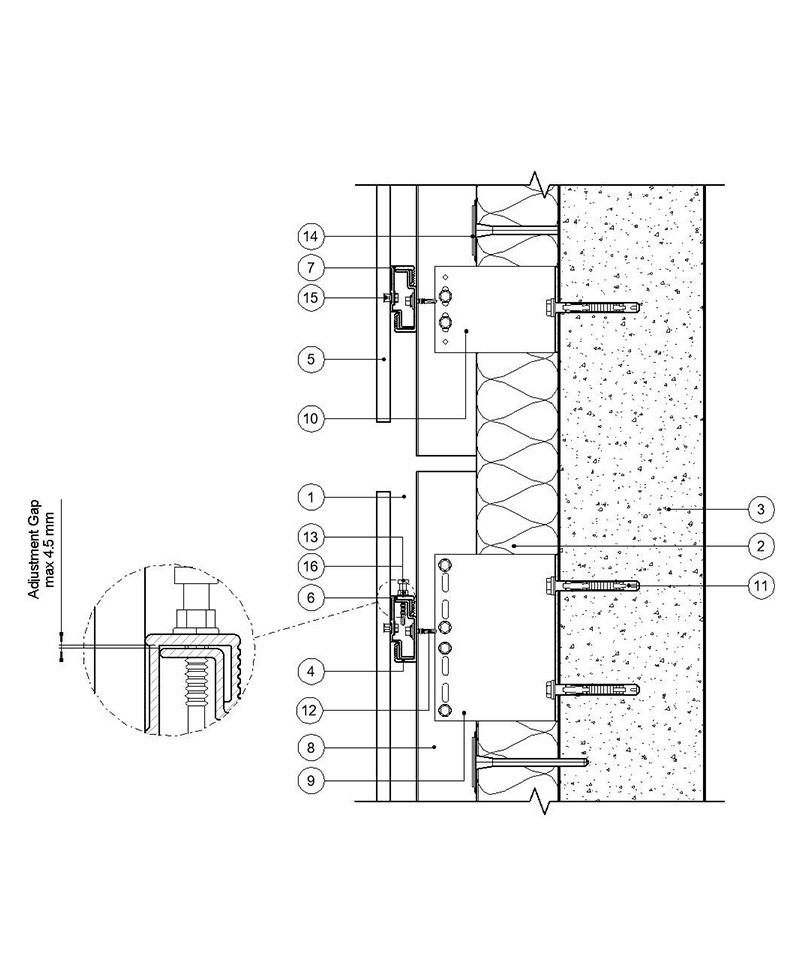
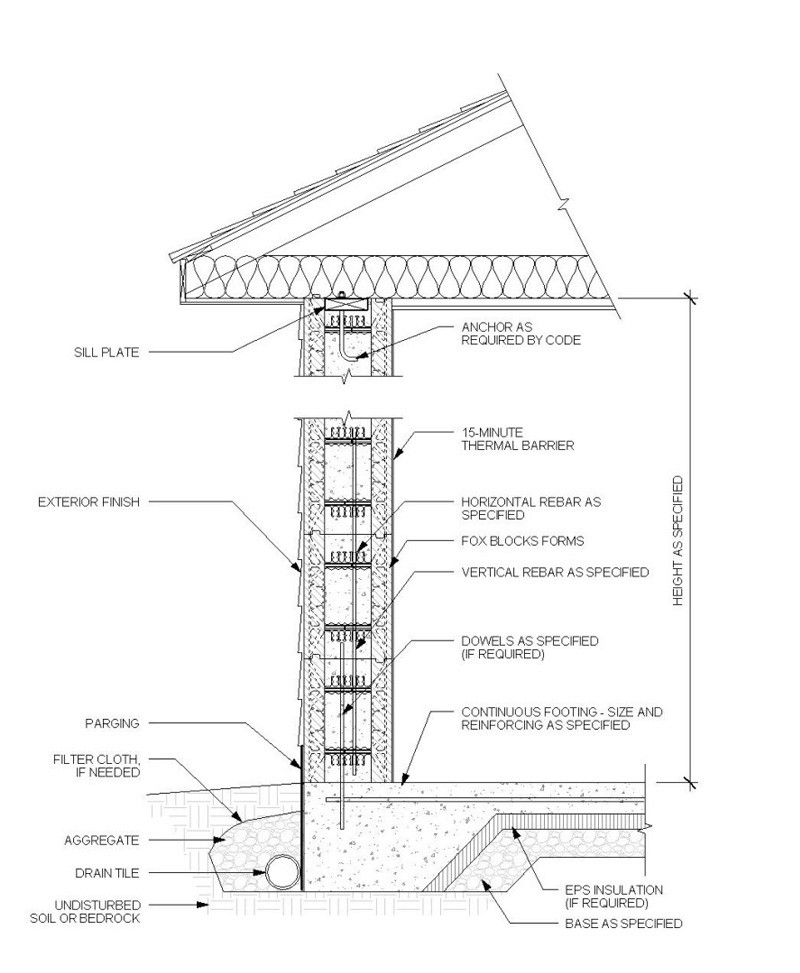
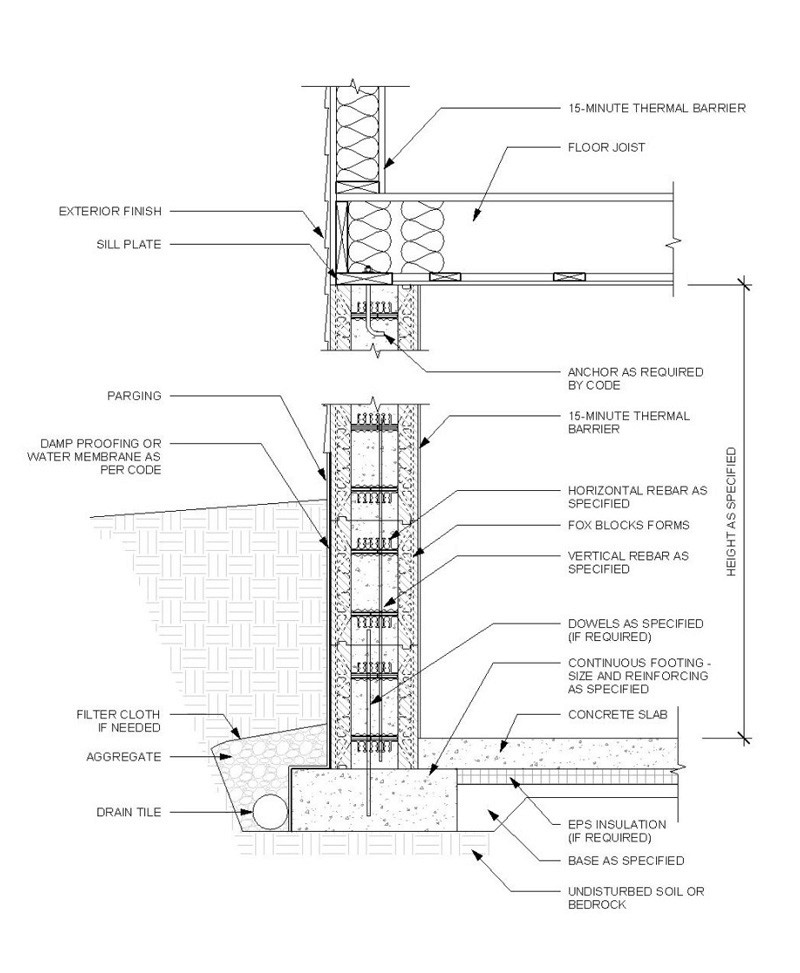
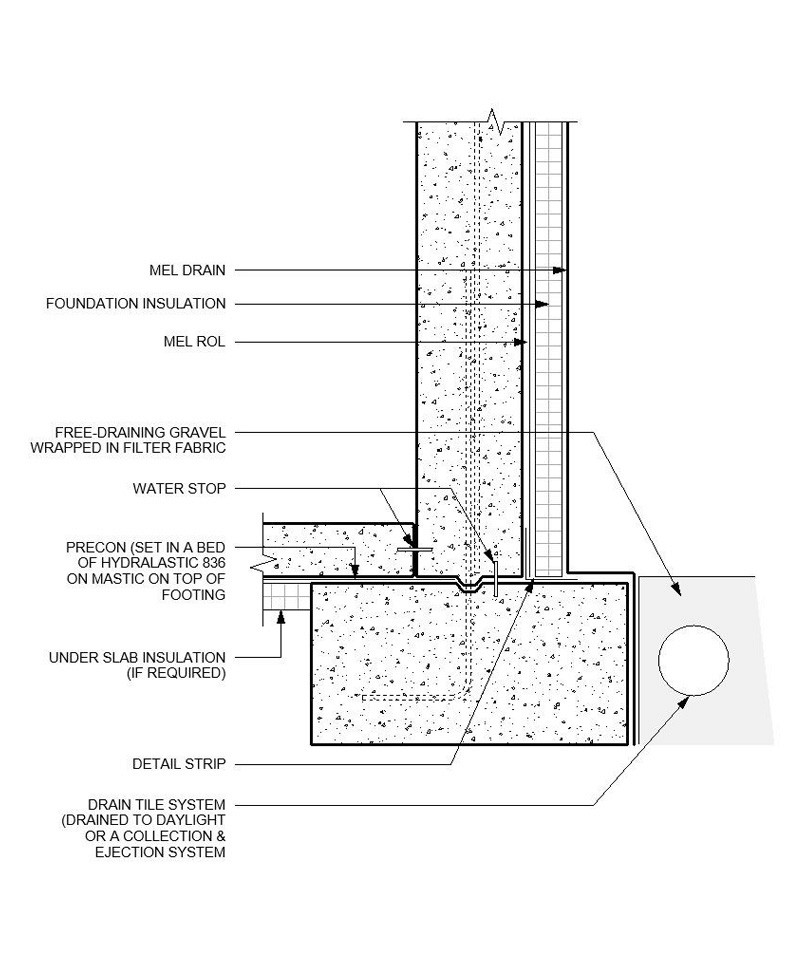
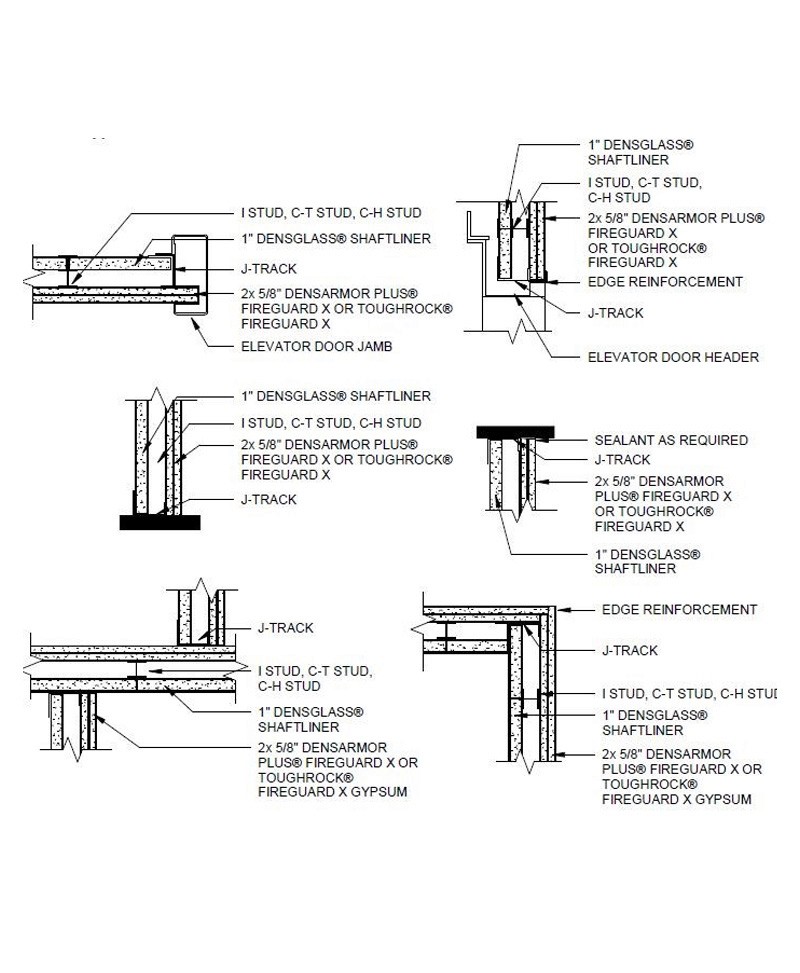
Designed to Streamline Your Workflow
DOWNLOAD
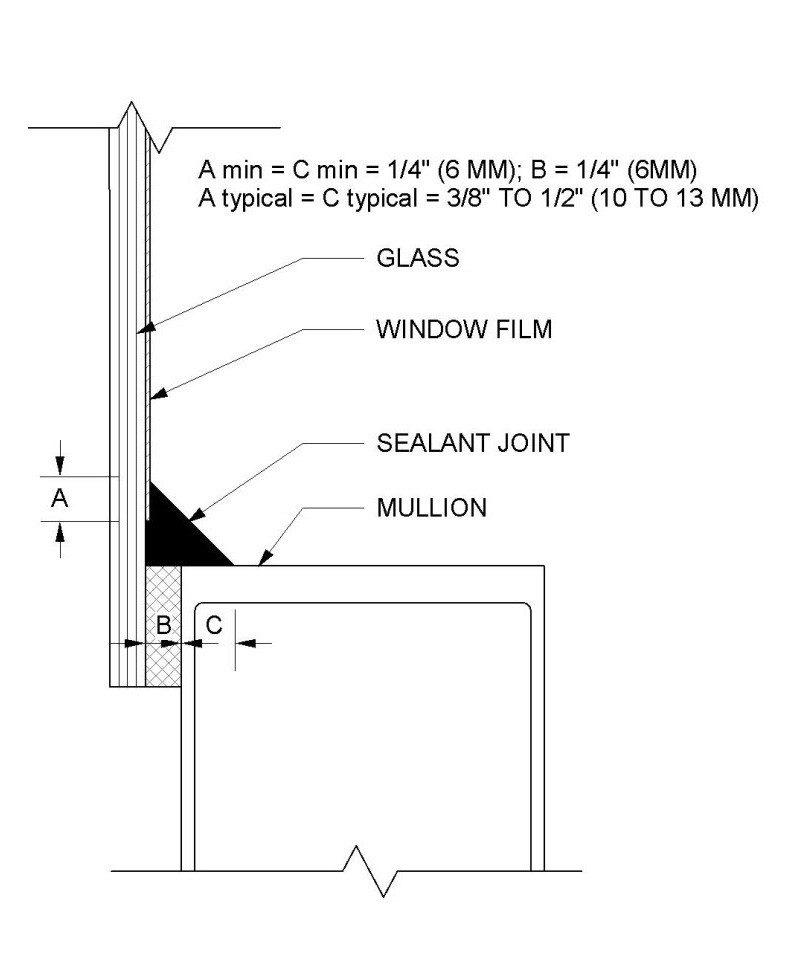
Choose the format that fits your workflow. Every detail is available for download as a Revit file, DWG, or PDF so you can use it however and wherever you need.
SAVE
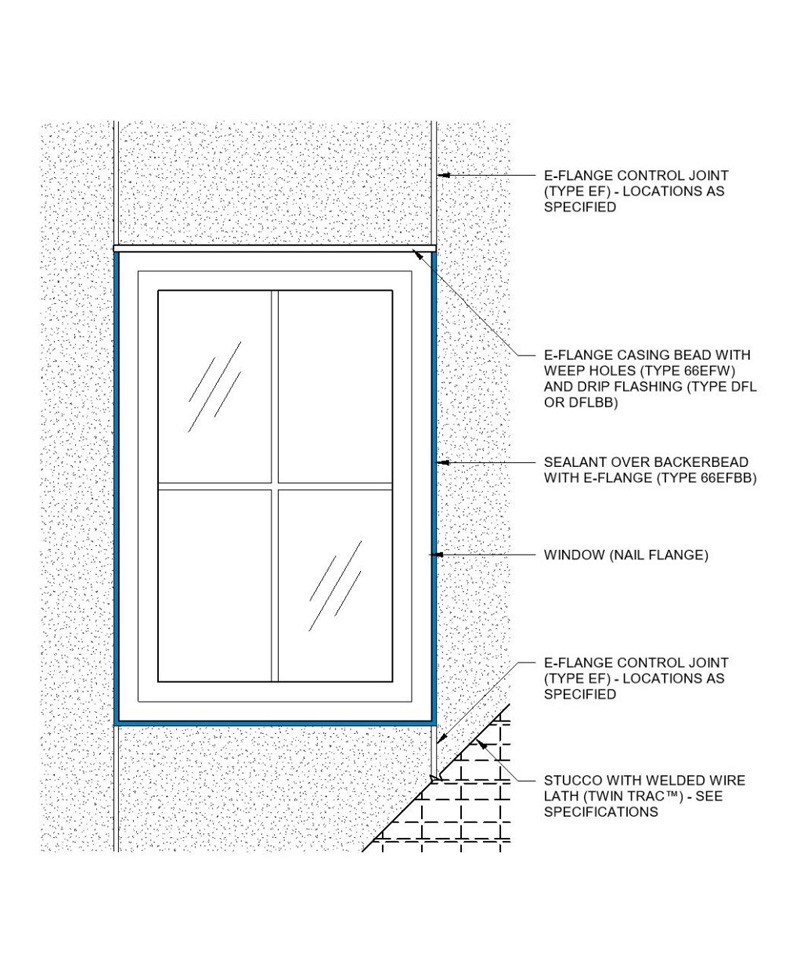
Keep your favorite details organized. Save drawings to your MyBIMsmith account so you can easily access them later across all your projects.
INSERT
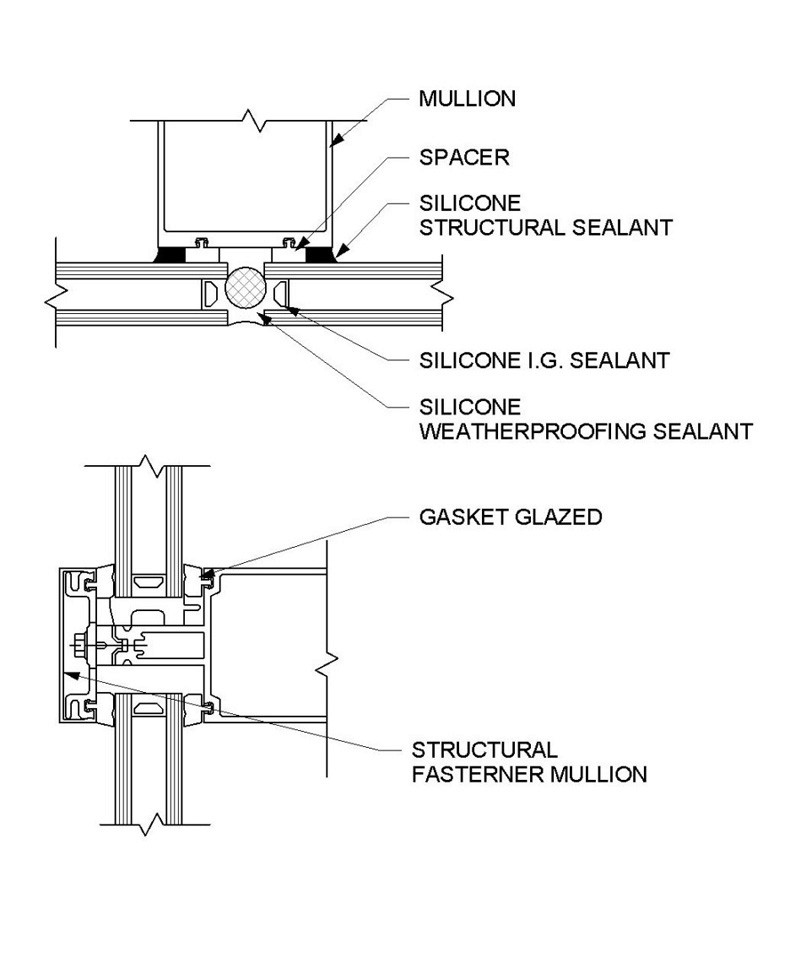
Skip the extra steps. Instantly load details into your active Revit project using the BIMsmith Plugin, no exporting, no switching windows.
Designed to Streamline Your Workflow
DOWNLOAD
Choose the format that fits your workflow. Every detail is available for download as a Revit file, DWG, or PDF so you can use it however and wherever you need.
SAVE
Keep your favorite details organized. Save drawings to your MyBIMsmith account so you can easily access them later across all your projects.
INSERT
Skip the extra steps. Instantly load details into your active Revit project using the BIMsmith Plugin, no exporting, no switching windows.
Designed to Streamline Your Workflow
DOWNLOAD
Choose the format that fits your workflow. Every detail is available for download as a Revit file, DWG, or PDF so you can use it however and wherever you need.
SAVE
Keep your favorite details organized. Save drawings to your MyBIMsmith account so you can easily access them later across all your projects.
INSERT
Skip the extra steps. Instantly load details into your active Revit project using the BIMsmith Plugin, no exporting, no switching windows.